Changing the line spacing

DataGraph Forums › Technical Support › Feedback and Suggestions › Changing the line spacing

Tagged: 

Viewing 4 posts - 1 through 4 (of 4 total)
  • Author
    Posts
  • #15778
    takara
    Participant

      Hello.

      Various labels and text can be wrapped using \n, but I think it would be even more useful if the line break width could be adjusted using a format such as \n[10pt] (I believe this is not currently possible).

      I would appreciate your consideration.

      #15779
      dgteam
      Moderator

        Hi – One thing you can do now is use the Text command and then you can specify the line width. This will work if you have a string with \n to indicate the breaks, or if you use the command to add each line.

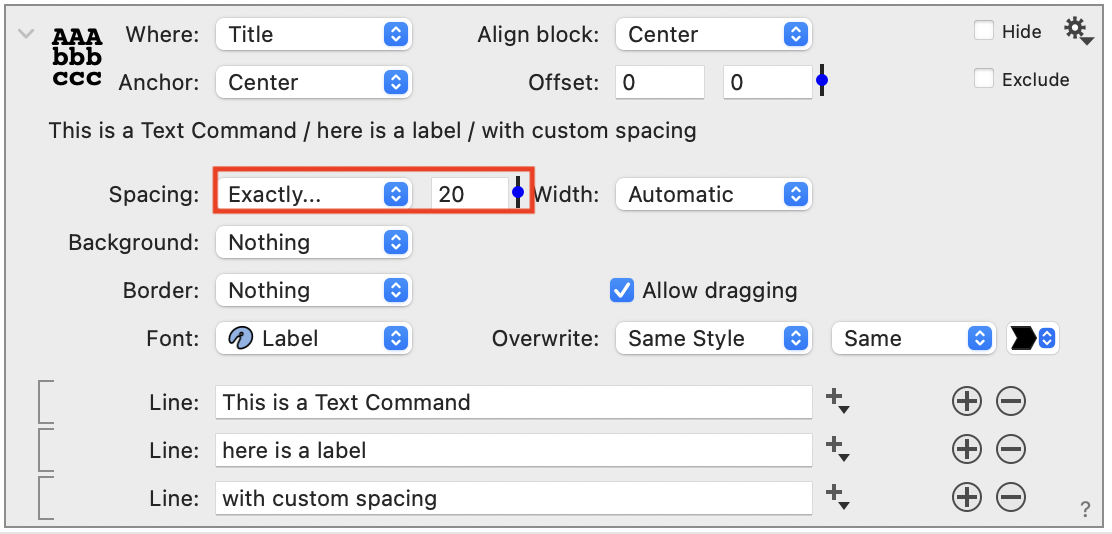
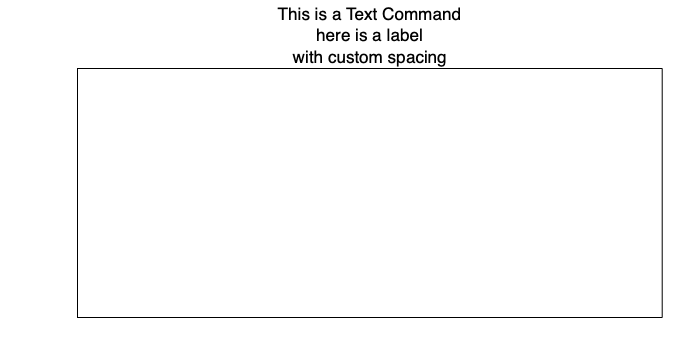
        Here is an example using the command to add a custom title, and the Spacing is set to Exactly 20pt.

        TextLineSpace

        TextLineSpace2

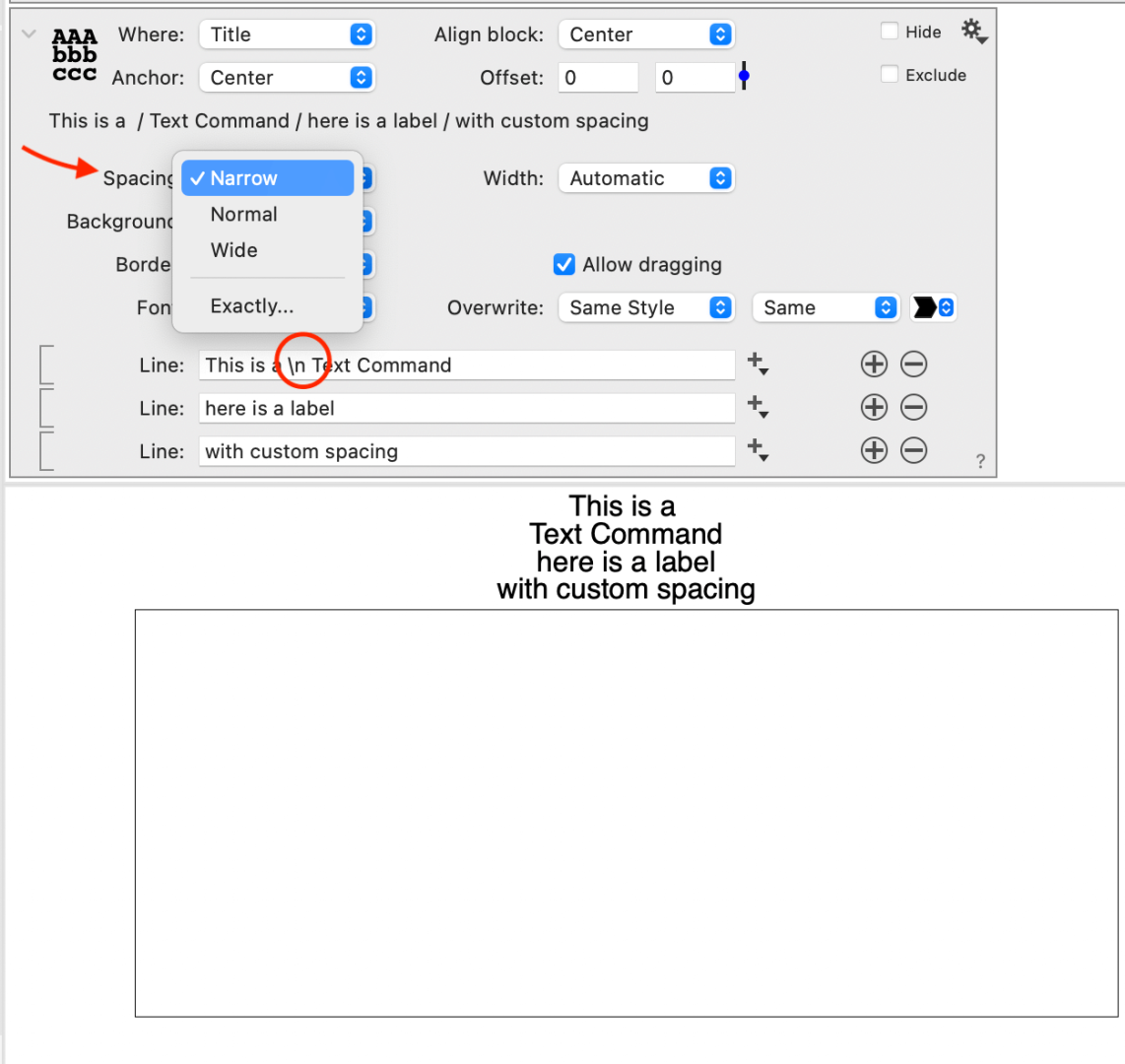
        If you use the built-in settings of narrow, normal, or wide, and the width will adjust depending on the font size.

        Here we illustrate that you  can add the “\n” in this command as well. The breaks with \n are treated the same.

        TextLineSpace3

        Does this help?


        #15780
        takara
        Participant

          Thank you for enabling line spacing adjustment in the text command.

          If possible, it would be helpful if line spacing could also be adjusted in other commands.
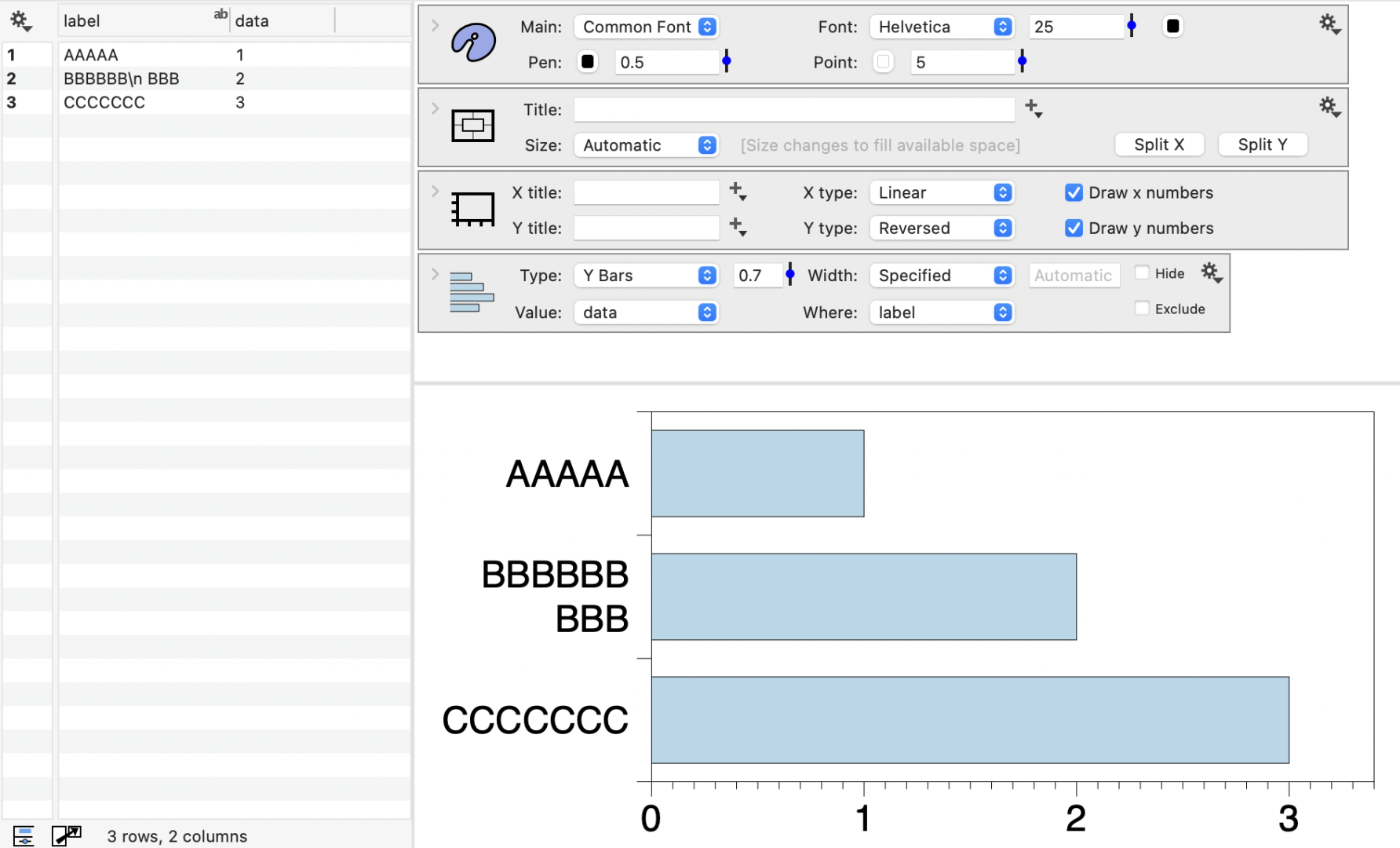
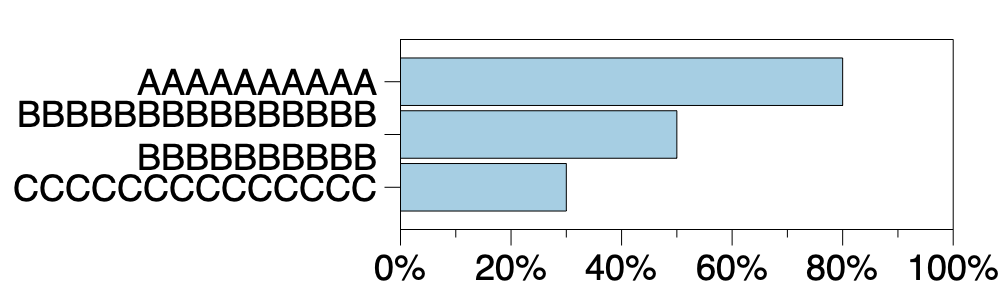
          For example, in the following figure, \n is used for the B label among the Y labels. However, since the line spacing cannot be narrowed, the A label and the first line of B appear to be a single item. Similarly, the second line of B and the C label appear to be a single item.If the line spacing for the two lines of the B label could be adjusted, it would look more aesthetically pleasing.

          It would also be helpful if line spacing could be adjusted in areas other than the Text command, not just for the Y labels.

          Thank you for your consideration.
          ABC

          #15782
          dgteam
          Moderator

            Thanks for posting the image.  Helpful to see an example.

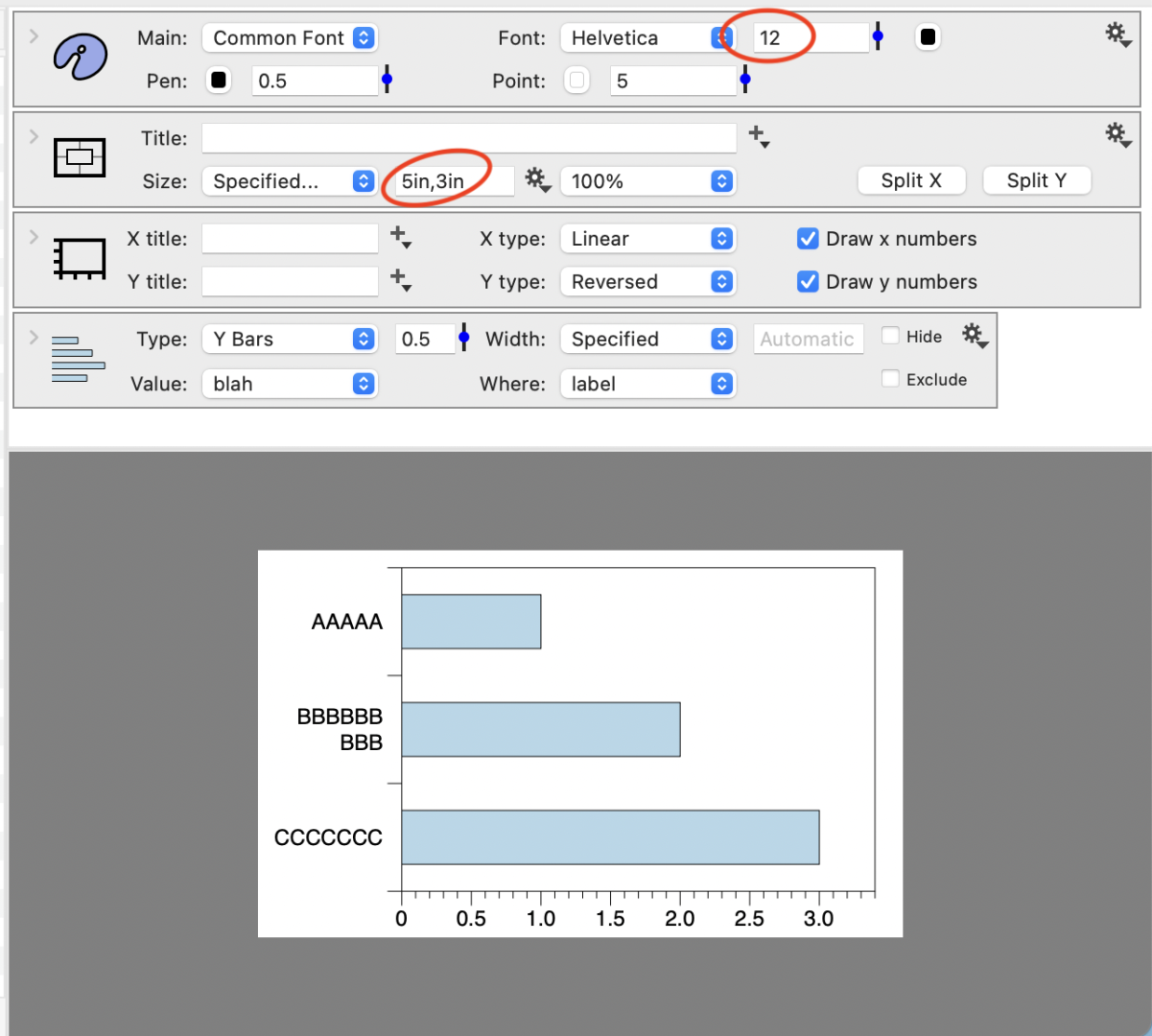
            The  space is going to scale with the font size. The best advice for now would be to increase your height and decrease the Font size.

            Space2


            Also if you size the graph and font that can help create a balanced output.

            Here the font is 12 point and the size is reasonable for a report or paper.

            Space

          Viewing 4 posts - 1 through 4 (of 4 total)
          • You must be logged in to reply to this topic.

          DataGraph Forums › Technical Support › Feedback and Suggestions › Changing the line spacing